Skip to content

Jetpack Compose · Material 3

Every Compose component, in one playground.

A clean, searchable reference of 52 components with 82 copy-paste Kotlin examples — themed for light, dark, and Material You.

  • 52 components
  • 11 groups
  • 82 examples
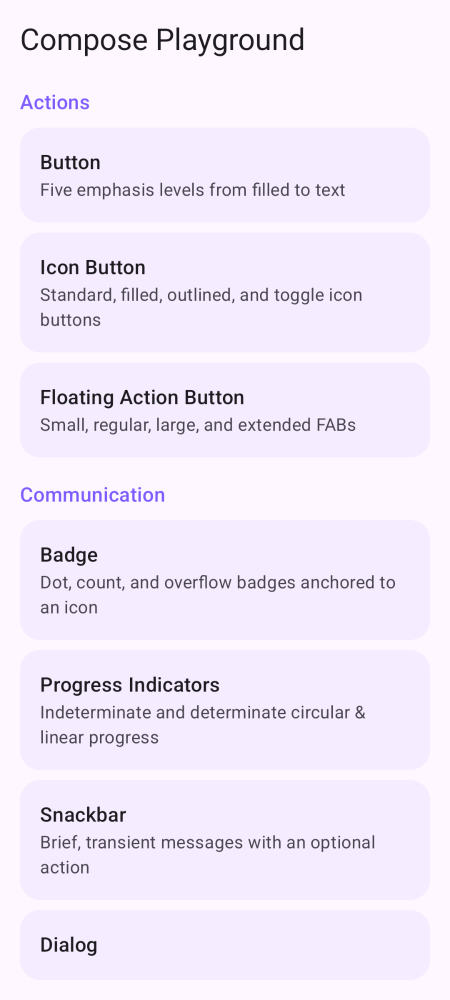
Compose Playground home screen with the component catalog

Easy to start

Find it, learn it, ship it

Three steps from "what does this look like?" to working Compose code.

  1. Browse the gallery

    Scan 52 components grouped by purpose, or search instantly with /.

  2. Open a component

    See every variant rendered, with what it's for.

  3. Copy the Kotlin

    Grab idiomatic Compose and paste it into your app.

A closer look

See the component, copy the code

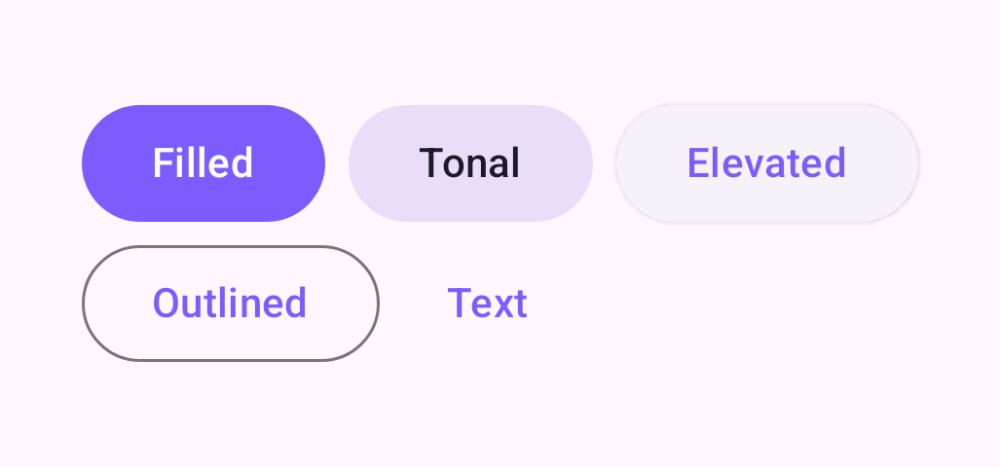
Button demos

Button

Five emphasis levels from filled to text

Button.kt
Button(onClick = {}) { Text("Filled") }
FilledTonalButton(onClick = {}) { Text("Tonal") }
ElevatedButton(onClick = {}) { Text("Elevated") }
OutlinedButton(onClick = {}) { Text("Outlined") }
TextButton(onClick = {}) { Text("Text") }
See all examples
Chip demos

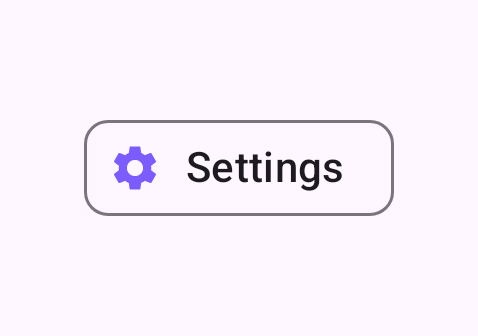
Chip

Assist, filter, input, and suggestion chips

Chip.kt
AssistChip(
    onClick = {},
    label = { Text("Settings") },
    leadingIcon = { Icon(Icons.Filled.Settings, null, Modifier.size(18.dp)) }
)
See all examples
Gradients demos

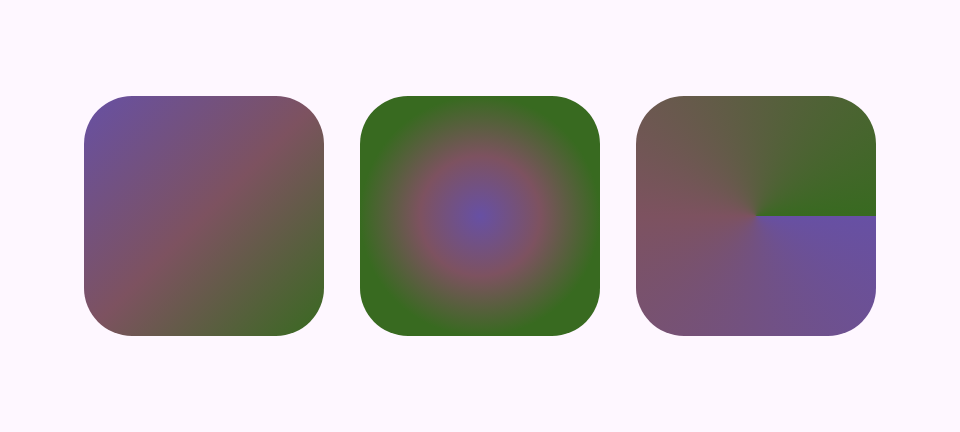
Gradients

Linear, radial, and sweep brushes

Gradients.kt
val colors = listOf(Color(0xFF6750A4), Color(0xFF7D5260), Color(0xFF386A20))
Box(
    Modifier.size(80.dp).clip(RoundedCornerShape(16.dp))
        .background(Brush.linearGradient(colors))
)
Box(
    Modifier.size(80.dp).clip(RoundedCornerShape(16.dp))
        .background(Brush.radialGradient(colors))
)
Box(
    Modifier.size(80.dp).clip(RoundedCornerShape(16.dp))
        .background(Brush.sweepGradient(colors))
)
See all examples

Pixel-accurate previews

Rendered from the real composables — not hand-drawn mock-ups.

Copy-paste Kotlin

Real, idiomatic Compose you can drop into your app.

Light, dark & Material You

Each component themed across modes and dynamic color.

Snapshot-tested UI

Verified pixel-for-pixel with Paparazzi.

Organized by purpose

Explore the 11 groups

From actions and navigation to gestures and graphics — jump straight to what you need.

About

What is Compose Playground?

A reference for Jetpack Compose and Material 3. It collects 52 components into 11 groups, each paired with focused examples and the exact Kotlin you'd write yourself.

The previews here are pixel-accurate screenshots — rendered from the actual composables and verified with Paparazzi snapshot tests, so what you copy is what you ship. For the fully interactive experience (tap, drag, animate), run the Android app.

Start exploring the playground

52 components · 11 groups · 82 copy-paste examples.