Skip to content
Communication

Snackbar

Brief, transient messages with an optional action

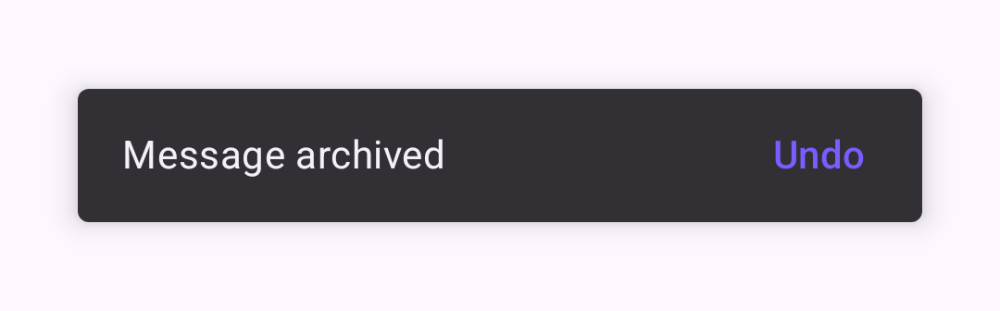
A Snackbar shows a short, low-priority message at the bottom of the screen. Host it with a SnackbarHost bound to a SnackbarHostState, then call showSnackbar from a coroutine. An action label lets people respond, and the returned result tells you whether they tapped it.

Snackbar demos rendered in Compose Playground
Pixel-accurate preview · light theme

Examples

01

Show a message

Launch showSnackbar from a coroutine scope tied to the composition.

Kotlin
val hostState = remember { SnackbarHostState() }
val scope = rememberCoroutineScope()
Box {
    Button(onClick = {
        scope.launch { hostState.showSnackbar("Message sent") }
    }) { Text("Send") }
    SnackbarHost(hostState, Modifier.align(Alignment.BottomCenter))
}
02

Action & result

Read the SnackbarResult to know whether the action was tapped.

Kotlin
scope.launch {
    val result = hostState.showSnackbar(
        message = "Item deleted",
        actionLabel = "Undo"
    )
    if (result == SnackbarResult.ActionPerformed) {
        // restore the item
    }
}