Skip to content
Layout

Row & Column

Lay children out horizontally or vertically

Row and Column are the workhorse layouts. Children are placed along the main axis; weight distributes leftover space proportionally, and arrangement controls the gaps between and around them.

Row & Column demos rendered in Compose Playground
Pixel-accurate preview · light theme

Examples

01

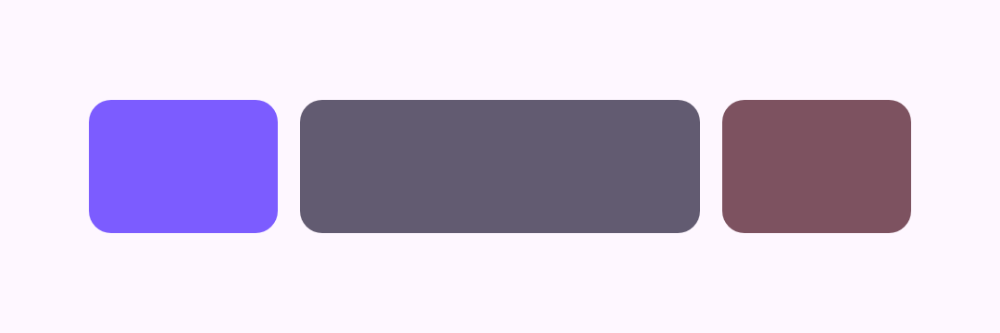
Weighted Row

Weights split the available width — here 1:2:1.

Kotlin
Row(modifier = Modifier.fillMaxWidth()) {
    WeightBox(weight = 1f, color = MaterialTheme.colorScheme.primary)
    WeightBox(weight = 2f, color = MaterialTheme.colorScheme.secondary)
    WeightBox(weight = 1f, color = MaterialTheme.colorScheme.tertiary)
}
02

Column arrangement

SpaceBetween pushes the first and last child to the edges.

Kotlin
Column(
    modifier = Modifier.fillMaxWidth().height(160.dp),
    verticalArrangement = Arrangement.SpaceBetween
) {
    Text("Top")
    Text("Middle")
    Text("Bottom")
}